










Pick more orders. Make fewer mistakes.
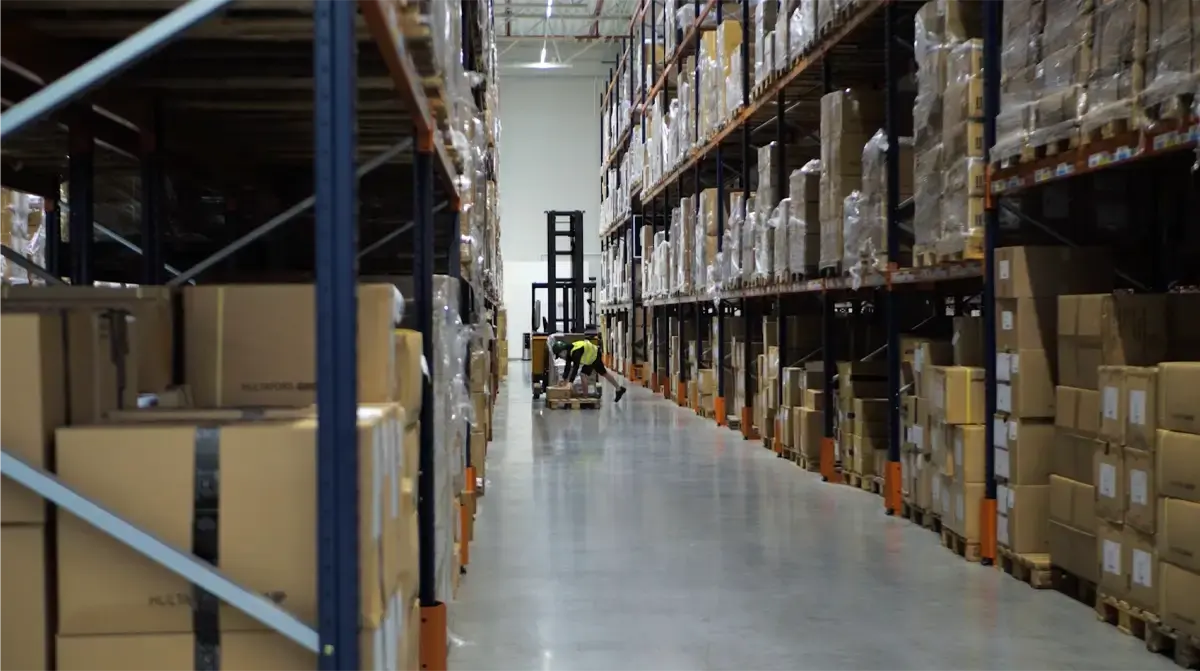
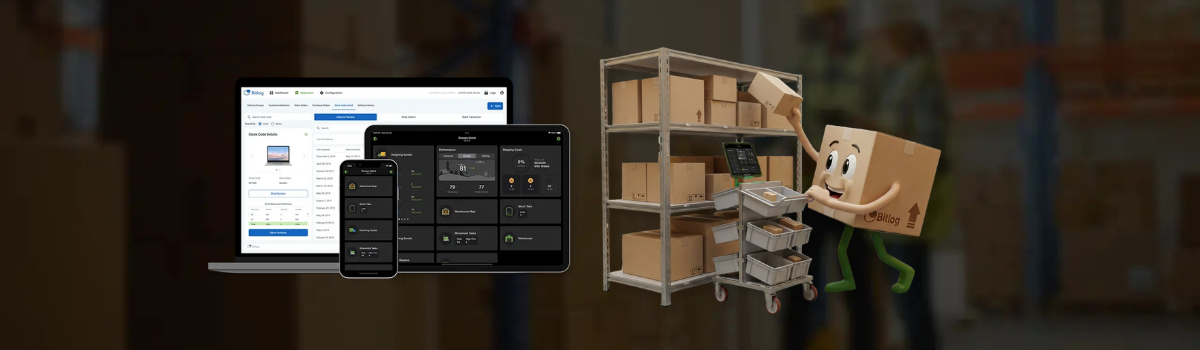
Bitlog gives your team digital pick lists, barcode scanning on iOS and Android devices, and automatic route optimization, so your pickers take the shortest path through the warehouse every time. Customers typically report picking error reductions of up to 45% after going live.

Know exactly what's in your warehouse, right now
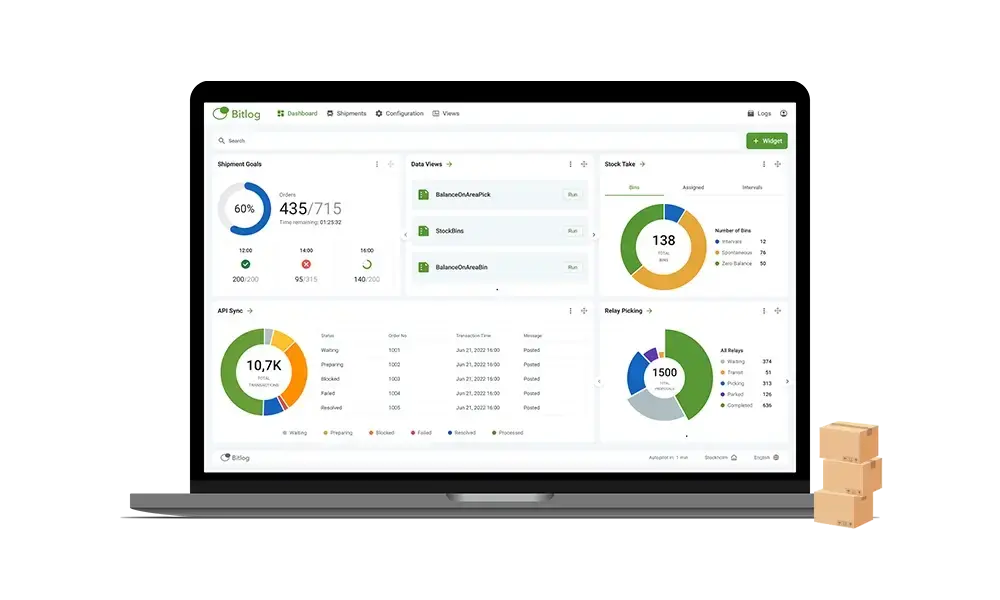
Real-time inventory visibility means you stop making decisions based on yesterday's numbers. Stock levels, order statuses, and warehouse performance data update as your team works. No reconciliation at the end of the day. No surprises when a customer calls.
New staff up and running in 15 minutes
The interface is clean enough that a new hire can start picking orders within 15 minutes of their first shift. That matters when you're scaling up for peak season or covering for absences. No week-long training programs required.

Let Autopilot handle the planning
Bitlog Autopilot automates the parts of warehouse planning that eat up your day. It reserves stock from available inventory or upcoming purchase orders, consolidates multiple orders going to the same address, and holds small backorders until the next shipment to that customer, reducing handling costs and keeping delivery promises.
The numbers your CFO cares about
Customers who switch to Bitlog typically report efficiency gains of 30 to 40% within the first quarter. Fewer picking errors means fewer returns, fewer re-shipments, and fewer customer service calls.Implementation is fixed-price. You know the cost before you sign. Bitlog Autopilot also reduces freight spend by consolidating backorders and grouping shipments to the same address, which adds up fast at any meaningful order volume.
And because staff get up to speed in minutes rather than days, you're not paying for extended training every time you hire.
For IT and ERP owners: integrations that actually work
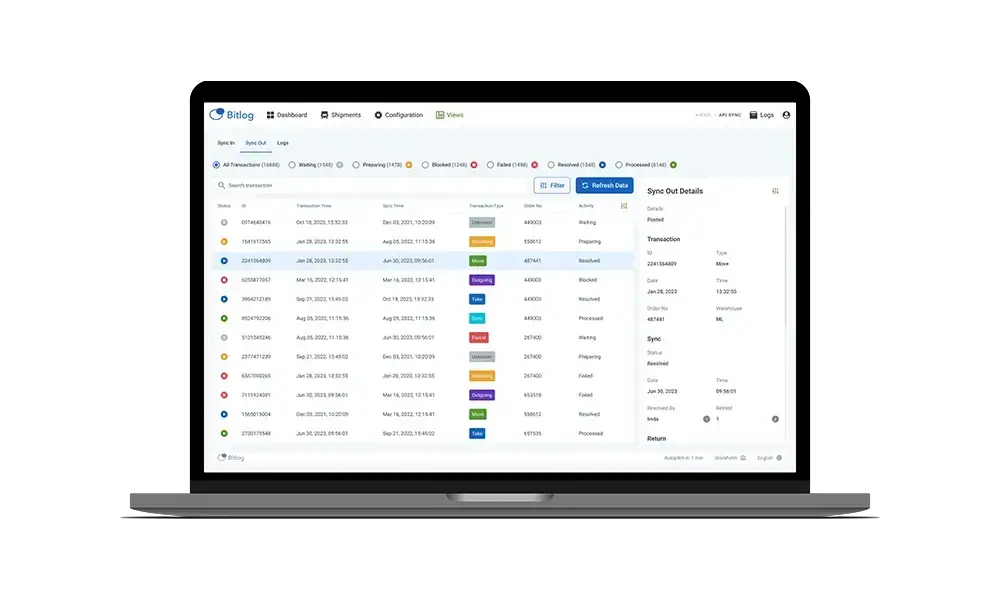
Bitlog connects directly with the business systems your company already runs. Current integrations include Microsoft Business Central, Visma Business, and Visma.net, with more added regularly.Running a different ERP? Bitlog's open API lets your team connect to virtually any business system, e-commerce platform, or third-party tool. If your developers can call an API, they can integrate Bitlog. No lock-in, no waiting for a ready-made connector to appear on a roadmap.
Over 50% of Bitlog's product development is driven by customer feedback. If you need a specific integration or workflow, talk to us. Chances are someone else has already asked for it.
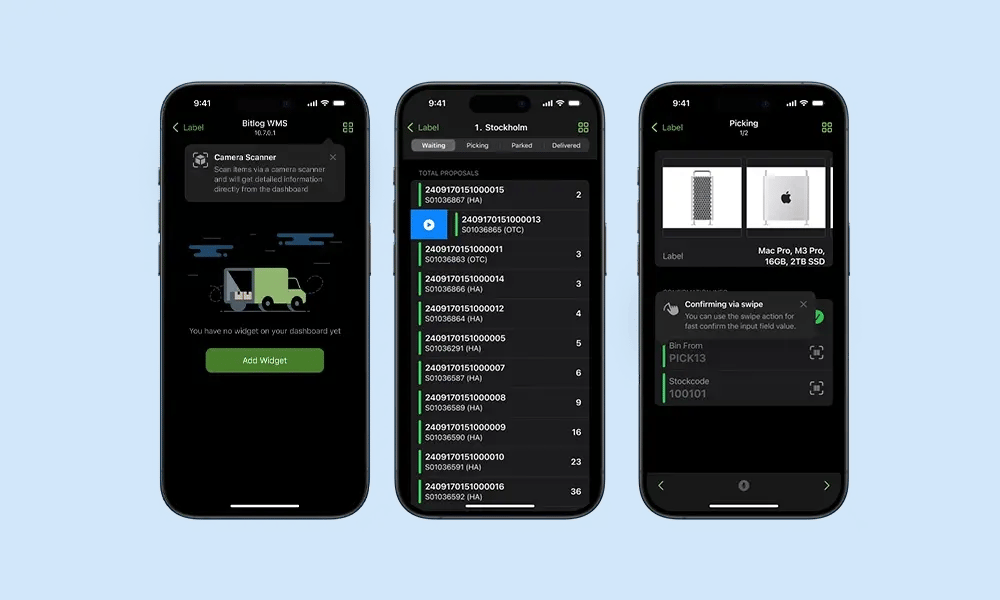
Mobile Application
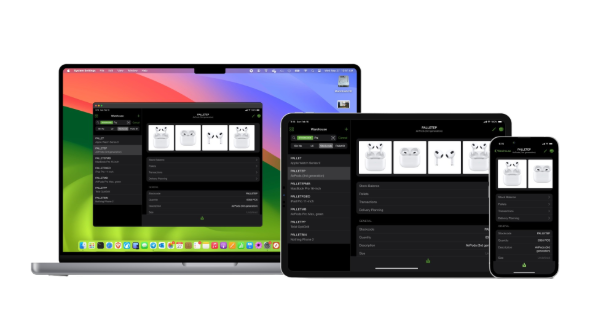
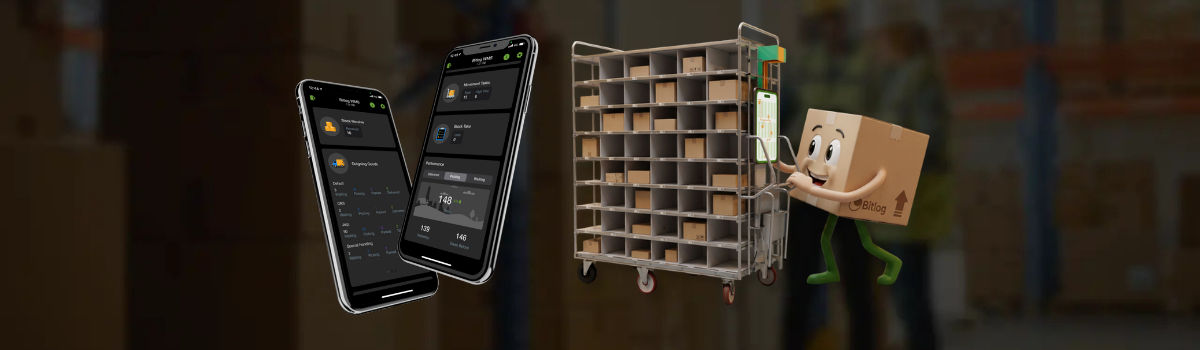
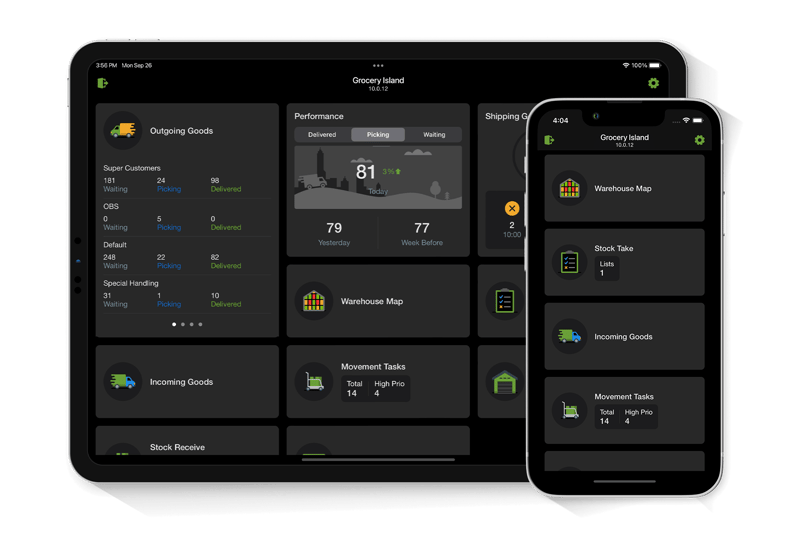
 The mobile app encompasses all facets of your warehouse, from receiving, cross-docking, and buffer management to order picking, automation(s), and dispatch processes.
Quick to learn and easy to use.
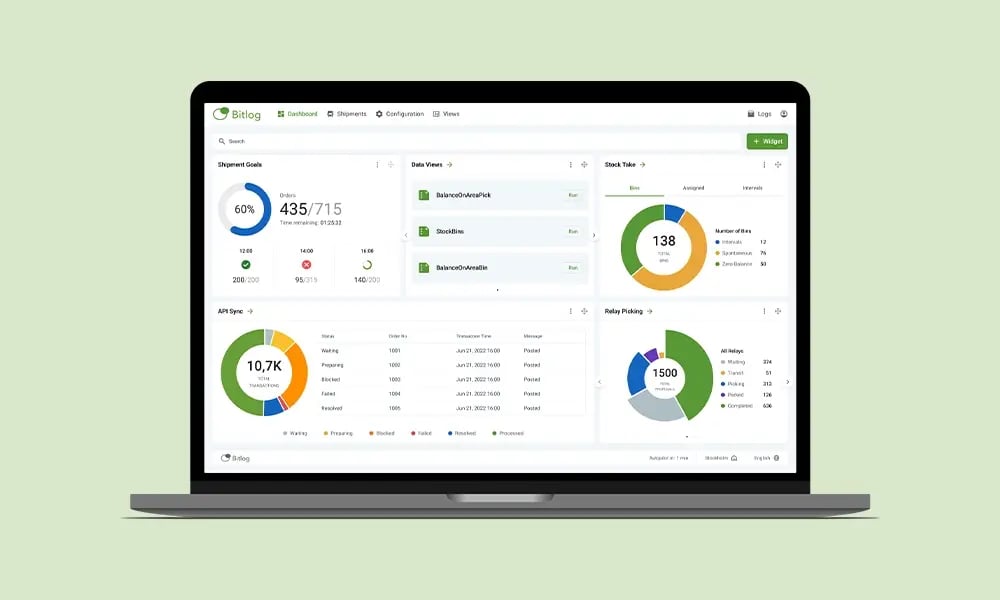
Web Portal
Your central platform for managing the entire inventory. Access all data and configure settings from anywhere through the cloud-based portal.
Monitor warehouse efficiency in real-time, update user settings, and manage customer data.
All in once place.
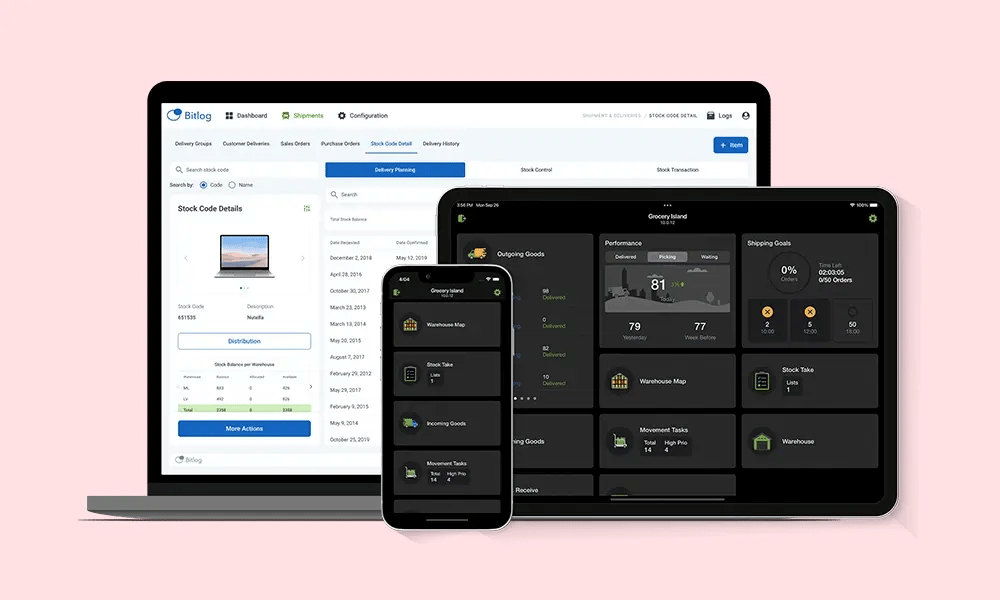
Integrations to the systems you love
Bitlog WMS seamlessly integrates with the most popular financial systems, e-commerce platforms, and ERP systems, among others, through ready-made integrations.